
"Why did my Google Ads results drop?" is the question every advertiser asks, and answering it used to mean an hour of digging through reports. In 2026 Google added Gemini-powered tools to Google Ads that summarise unusual changes, answer questions about your account in plain language, and turn a text request into a visual report. This guide shows how to use them to diagnose a drop, step by step, and where you still need your own judgement.
The new AI tools in Google Ads, in brief
- AI summaries of anomalies and spend. Short written explanations of unusual changes in traffic, conversions or budget pacing.
- Ask Advisor. A chat-style assistant you can question about why a metric changed.
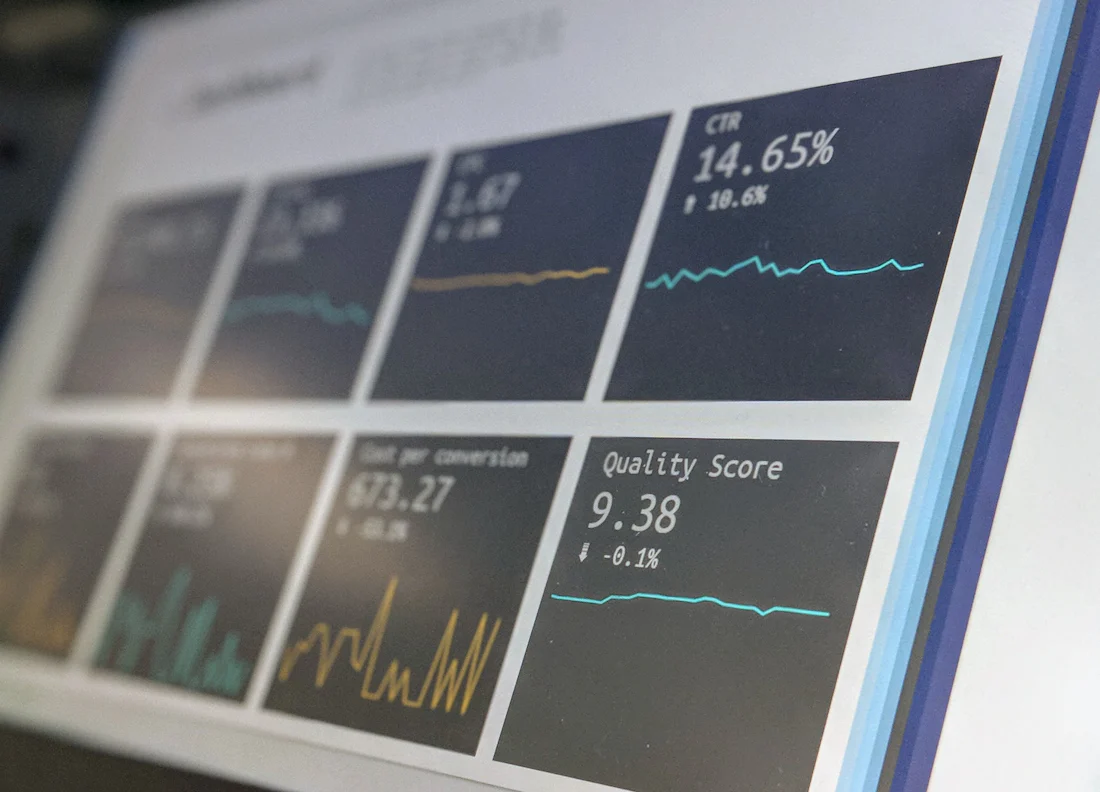
- Reports from text prompts. Describe the report you want ("conversions by device for the last 30 days") and Google Ads builds the chart. Google has said the same capability is coming to Google Analytics.
Features reach accounts at different times, so if you don't see one yet, that's normal.
A 5-step routine for diagnosing a performance drop
1. Confirm the drop is real
Compare the same days of the week, and allow for conversion delay. Many conversions are reported a few days after the click. Ask: "Compare conversions for the last 7 days with the previous 7 days, excluding the last 2 days."
2. Find where it happened
Narrow it down by campaign, device, location and network. Ask: "Which campaigns contributed most to the drop in conversions?" One campaign usually explains most of it.
3. Check the three usual causes
| Cause | What to look at | Question to ask |
|---|---|---|
| Less demand | Impressions and search volume fall, but impression share holds | "Did impressions fall because of lower search volume?" |
| More competition | Cost per click rises, impression share lost to rank | "Did my average CPC or lost impression share change?" |
| Your own changes | Budget, bid strategy, ads, landing page or tracking edits | "What changes were made to this campaign in the last 14 days?" |
4. Check tracking before anything else
A sudden fall to near zero is often a tracking problem, not a marketing problem. A website update can remove the Google tag, for example. Check that conversion actions are still recording before you change bids or ads.
5. Decide, then give it time
Make one change at a time and note it down. Automated bidding needs time to settle after big changes, so judge the result over one to two weeks, not one day.
Where the AI helps, and where it doesn't
- Helps: finding which part of the account changed, summarising long reports, and building charts quickly for a client or manager.
- Doesn't know: that your competitor launched a sale, that your sales team stopped answering calls, or that a lead was junk. Business context still comes from you.
- Can be wrong: AI summaries can confuse cause and coincidence. Check any explanation against the actual numbers before acting.
Just getting started with Google Ads? Begin with our step-by-step guide to your first Search campaign.
Frequently asked questions
Do I need a paid tool to use Gemini in Google Ads?
No. These features are built into Google Ads itself, though availability depends on Google's rollout to your account.
Can Ask Advisor change my campaigns?
Treat it as an assistant that explains and suggests. Make important changes yourself, so you understand what changed and why.
Will these tools make Google Ads skills less valuable?
They make the routine reporting faster. The valuable skill is knowing which question to ask and what to do with the answer, and that's harder to automate.
Master Google Ads with a mentor
In the Digital Marketing with AI Masterclass you run and troubleshoot real Google campaigns with 1-on-1 feedback. We also run free live Google Ads webinars.
See the curriculumLearning in Bengaluru? Our live digital marketing course in Bangalore is taught 100% live online, so you can join from anywhere in India.